Features
Everything you need to find your people
Groups and events built around what you love, dating when you're open to it, three ways to talk, celebrations for life's big days, and a private calendar and contact book that tie it all together — in one friendly place.
Gather
Groups & events
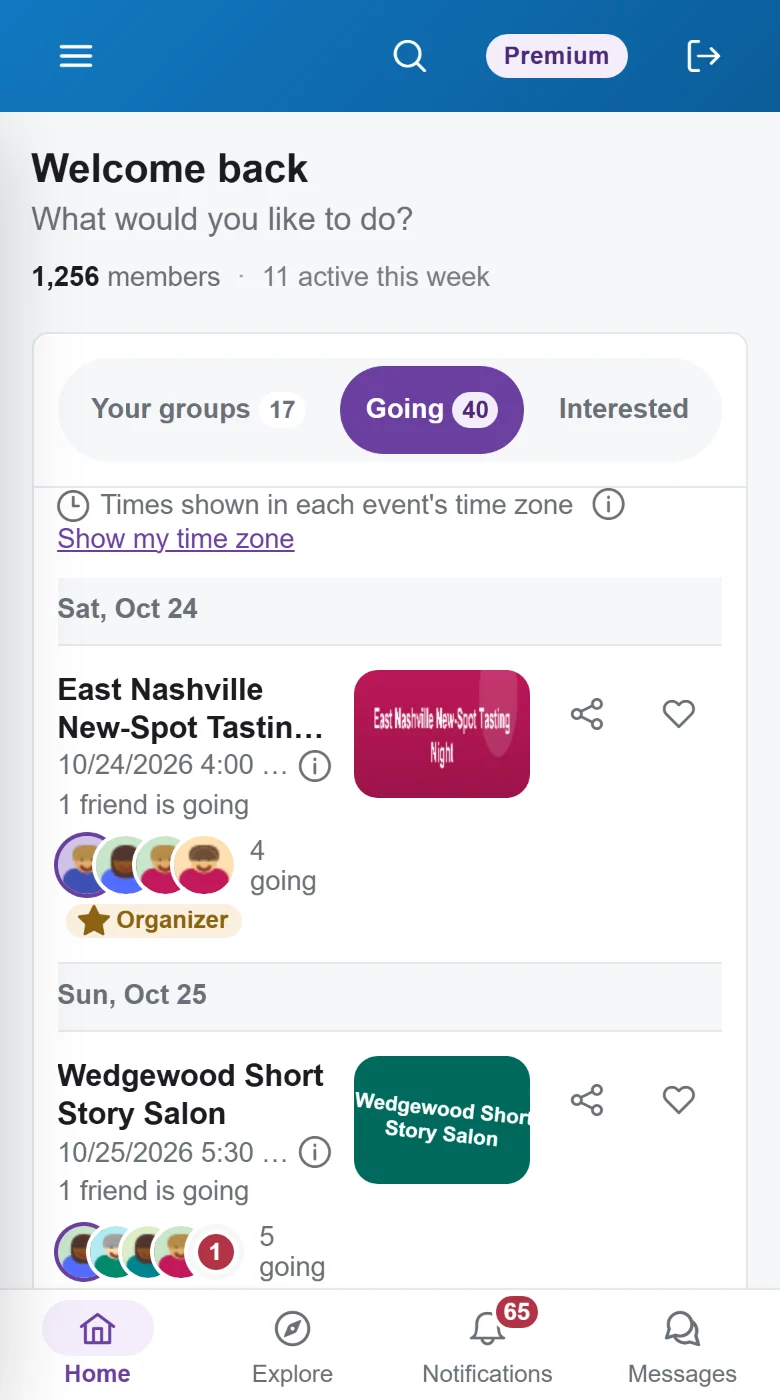
Find your people around a shared interest, then show up — in person or online.
Discover
Always something to do this week
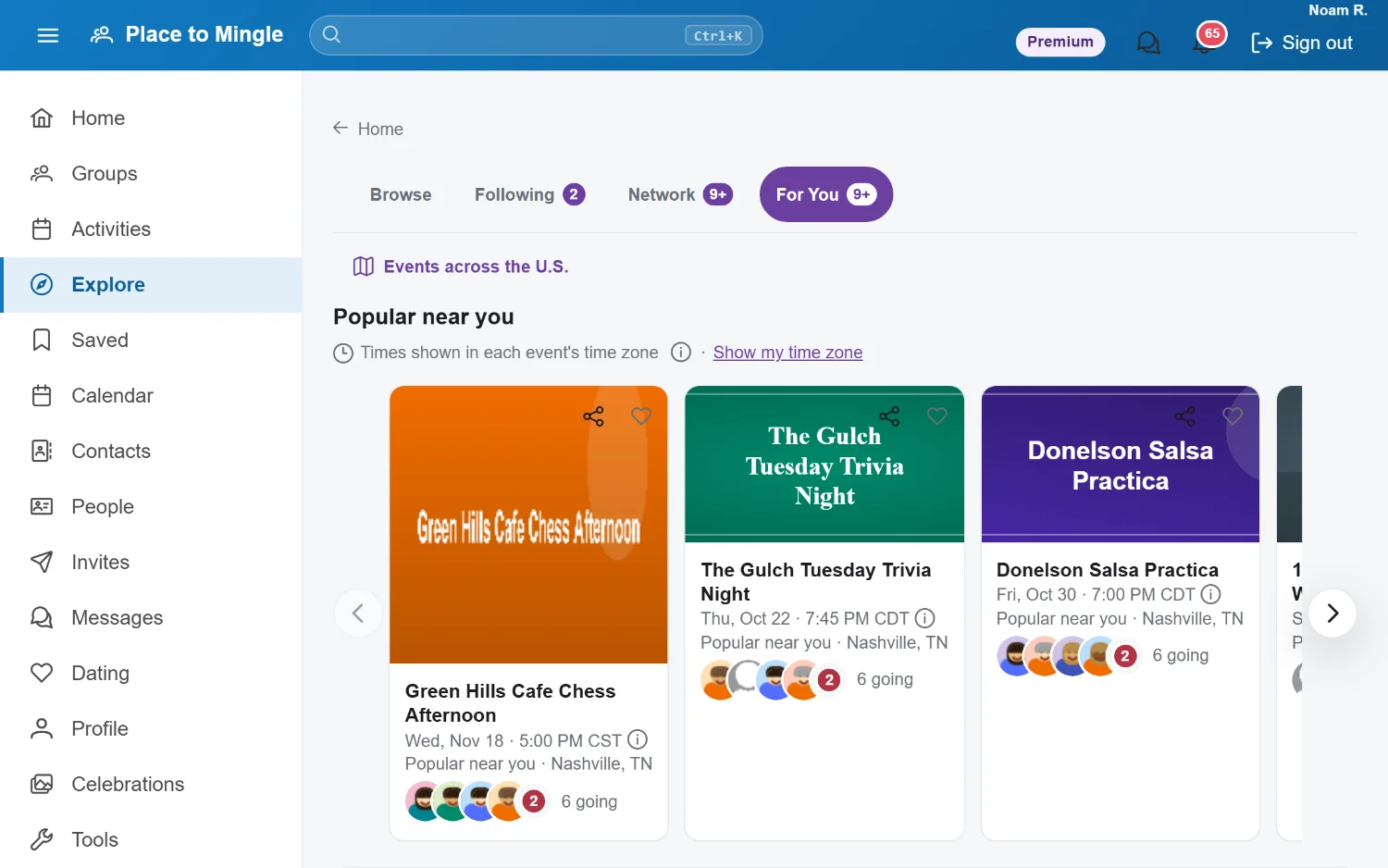
See what's popular near you, what your friends are going to, and picks matched to your interests. Browse by category, search any city within the distance you choose, and save anything that catches your eye.
- For You picks based on your interests and where you live
- Search by city, state, or ZIP code, within the radius you set
- Following and Network tabs show what your organizers and friends are up to
- In-person and online events side by side
Events map
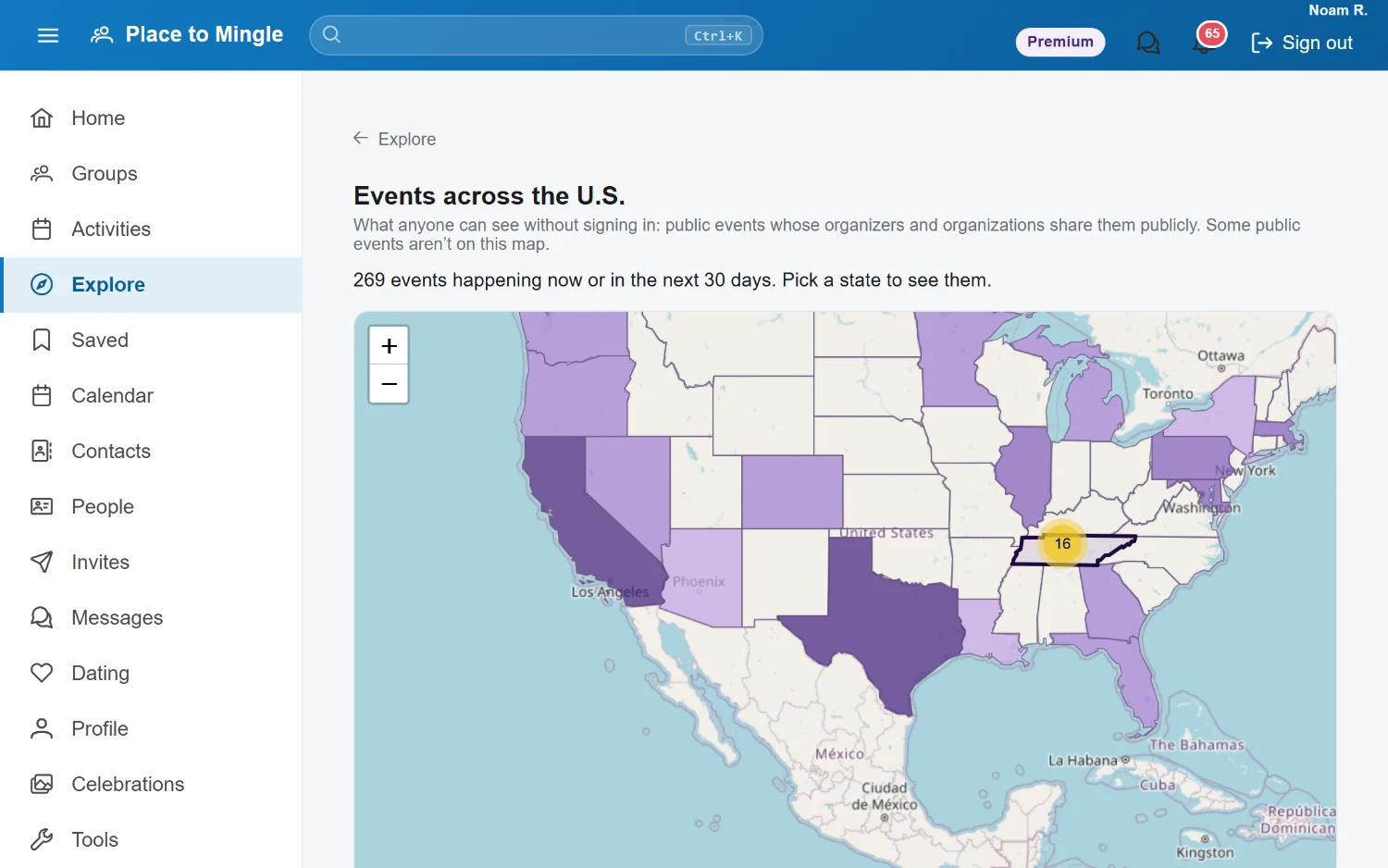
See what's happening across the U.S.
A live map of public events. States shade by how much is coming up in the next 30 days, and you can zoom from the whole country down to a single neighborhood.
- Opens on your own state and area
- Maps for Alaska, Hawaii, Puerto Rico, and the U.S. territories too
- Open to everyone — no account needed to look around
RSVP
RSVP in a tap — and actually make it
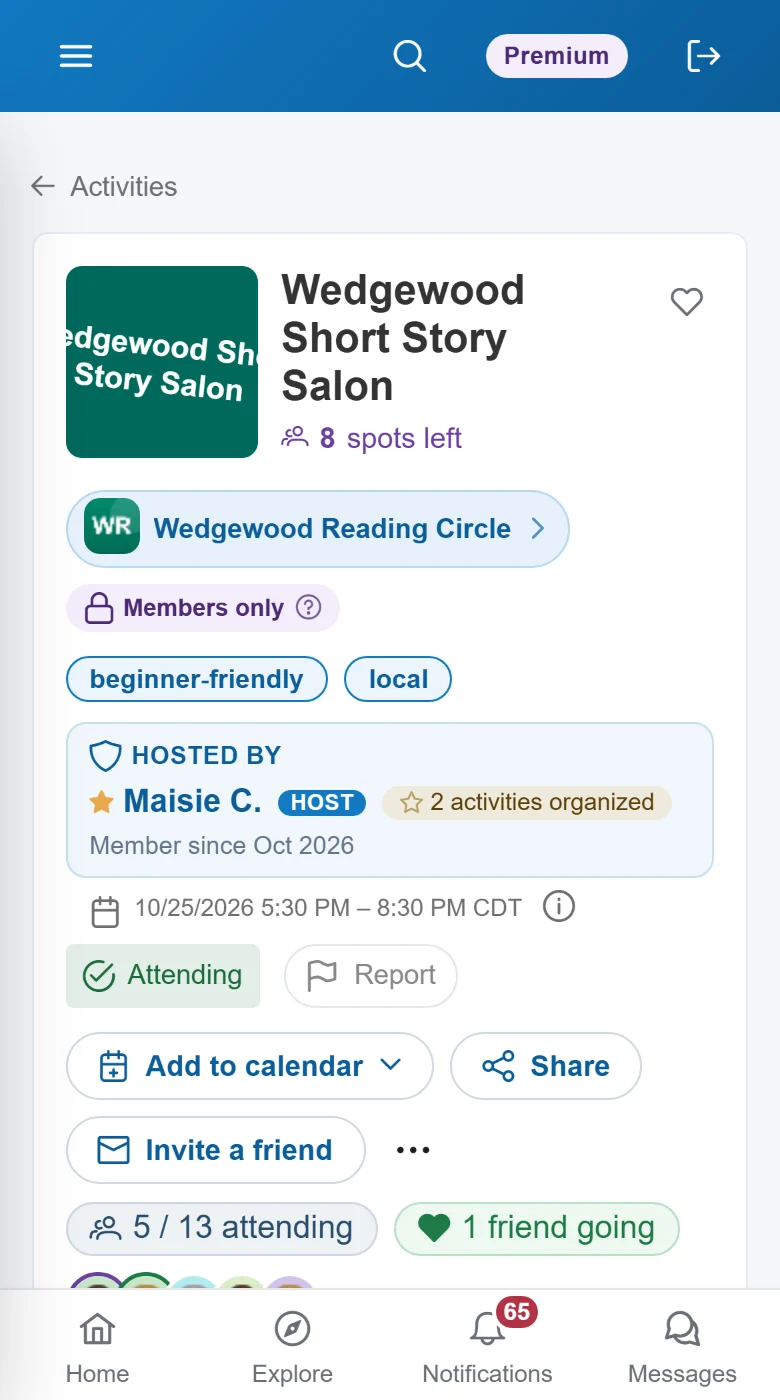
One tap to say you're going. See which friends will be there, bring a guest, join the waitlist when it's full, and add it to the calendar you already use.
- One-tap RSVP with +1 guests
- Automatic waitlists — you move up when a spot opens
- Add to Google, Apple, or Outlook calendar
- Reminders by email and text, plus a quick "Still coming?" check so spots go to people who'll show
Groups
Give your group a home
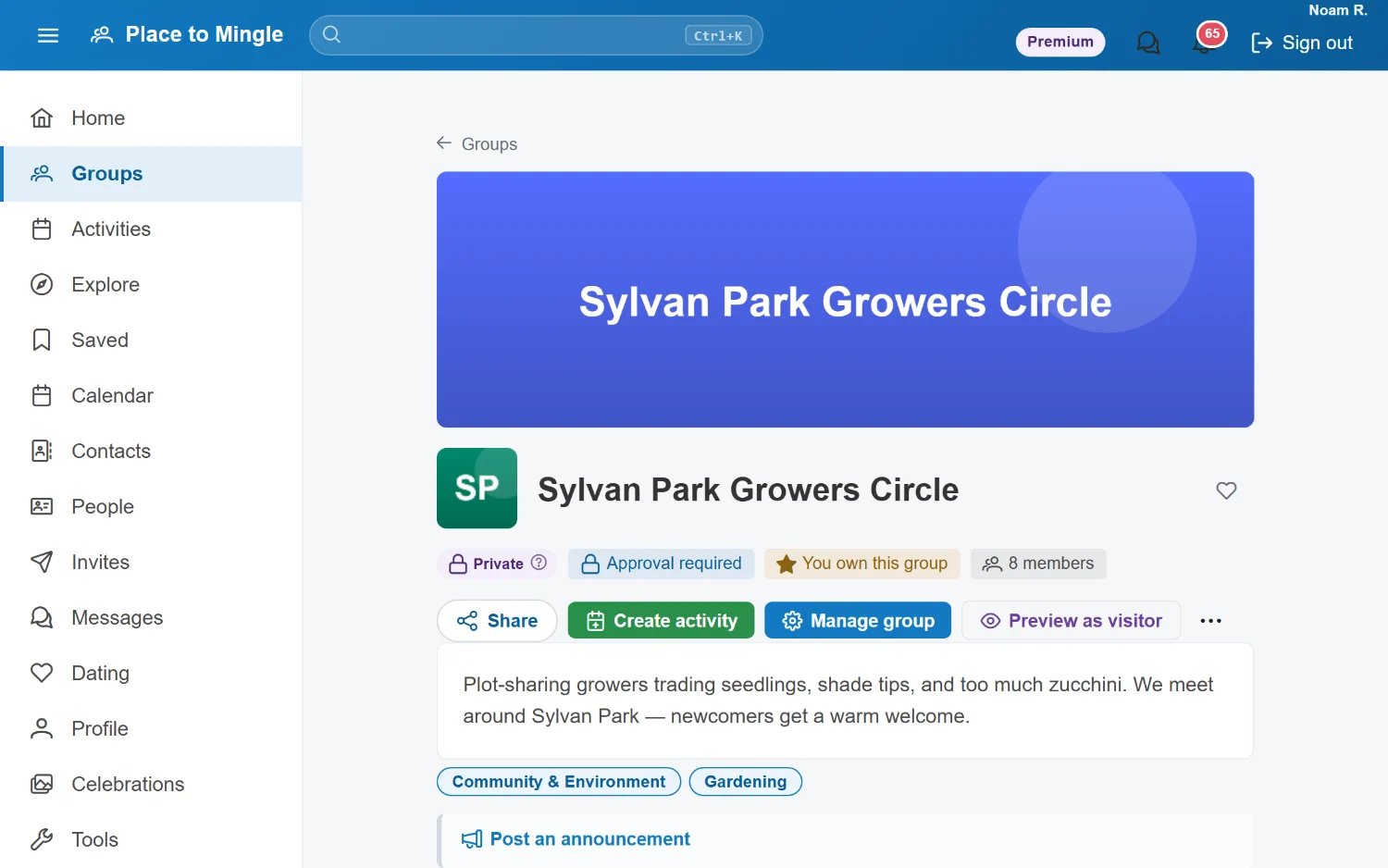
Every group gets its own page with a cover, a description, and topics, plus discussions, polls, and announcements that reach every member.
- Open, private, or approval-required membership
- Announcements, polls, and threaded discussions
- Co-organizers, each with the permissions you give them
- Share links and invites to grow your group
Organizer tools
Run great events without the busywork
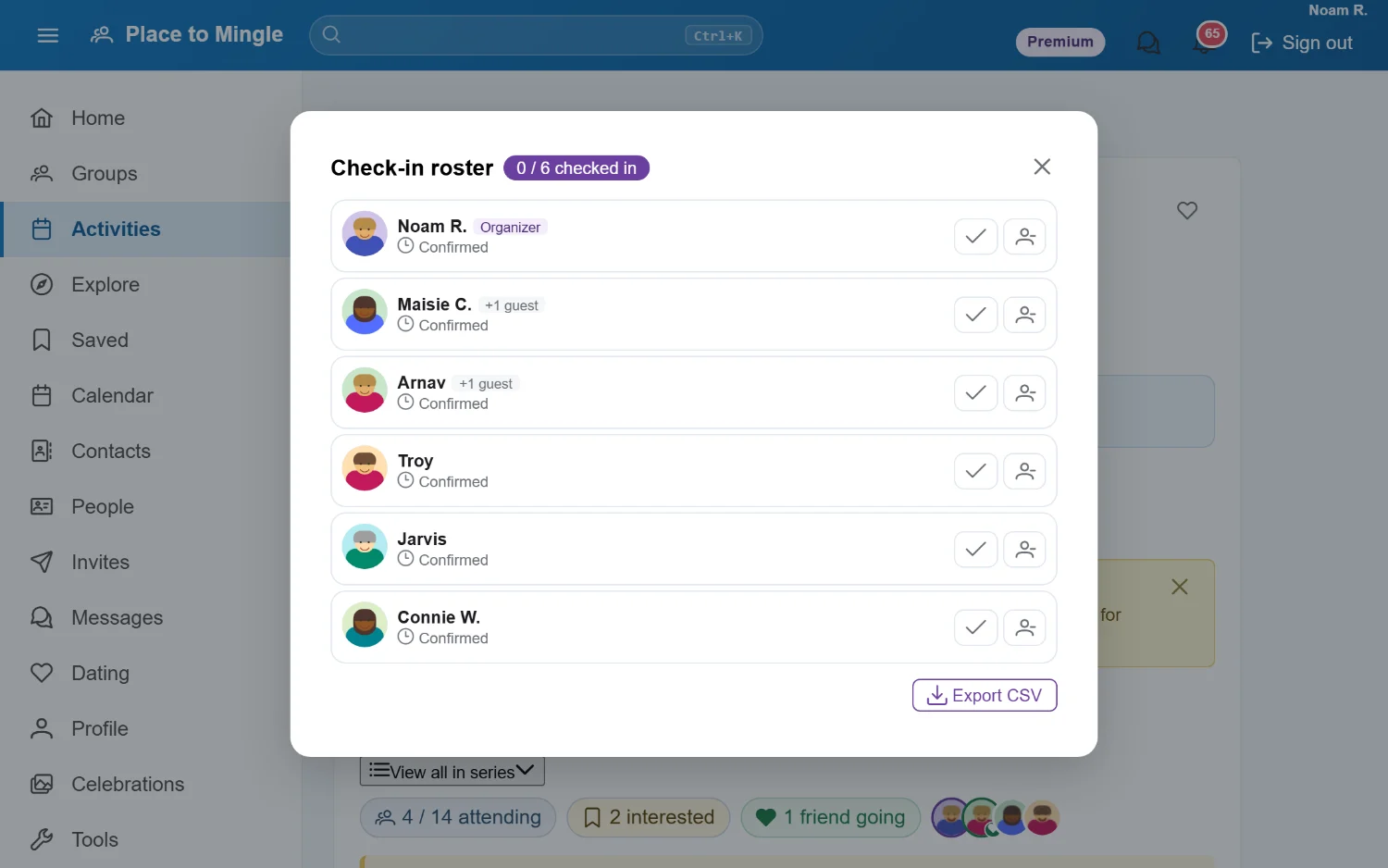
Create one-off or recurring events, check people in at the door, and keep everyone in the loop — with tools built for the people who make things happen.
- Weekly and monthly series in a few clicks
- Check-in roster and ticket scanning at the door
- Email attendees and post announcements
- Hand an event to someone else when you can't make it
- Attendance stats, reviews, and photos afterwards
Connect
Dating — on your terms
Meet someone through the communities you already share — whether you're looking for a relationship or new friends.
Discover
Meet people who share your world
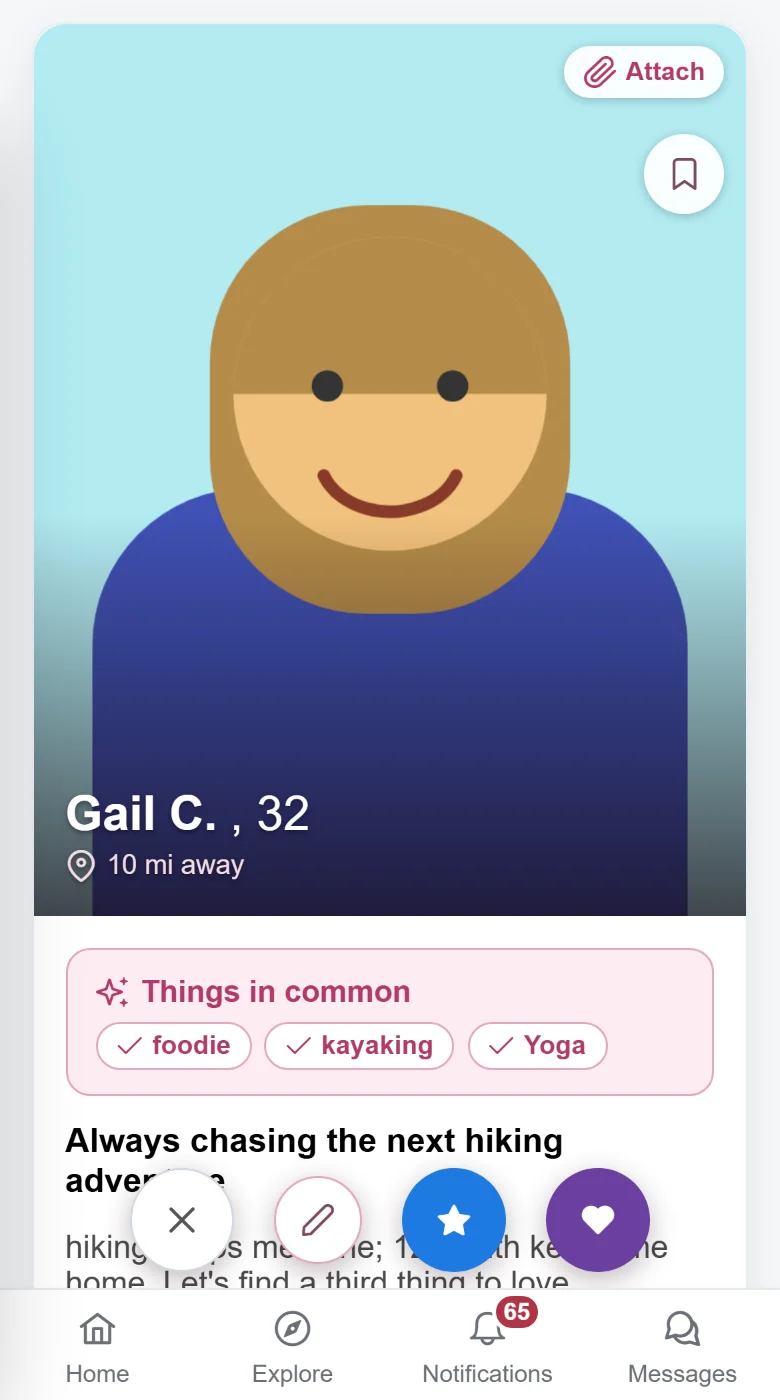
Everyone you see shares a community with you — a group, an event, a neighborhood. See what you have in common before you say hello, then like or pass, one profile at a time.
- Only mutual likes can message — no cold inboxes
- Today's picks: a fresh set chosen for you every day
- Second look, in case you change your mind about someone you passed
- Things you have in common, right on the card
Make it fun
Streaks, Spotlight, and a little help from your friends
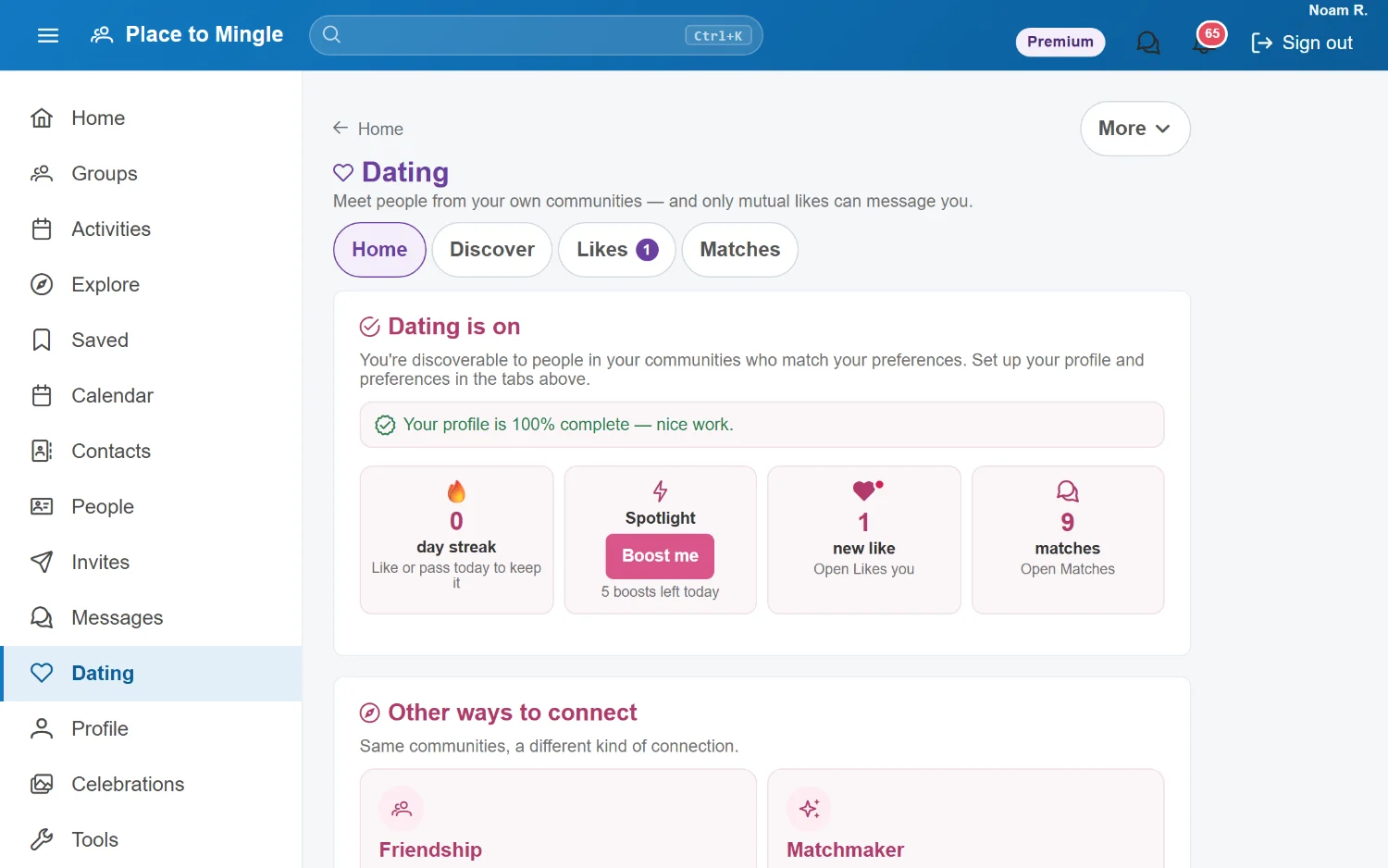
Keep a daily streak going, boost your profile into the Spotlight, and let a friend you trust play matchmaker. Not looking for romance? Friendship works the same way — for meeting friends.
- Spotlight boosts put your profile first
- Matchmaker: friends suggest people into your deck — they never see your likes or chats
- Friendship mode for meeting friends, not dates
- Profile prompts that show who you really are
Trust
Verified profiles, fewer surprises
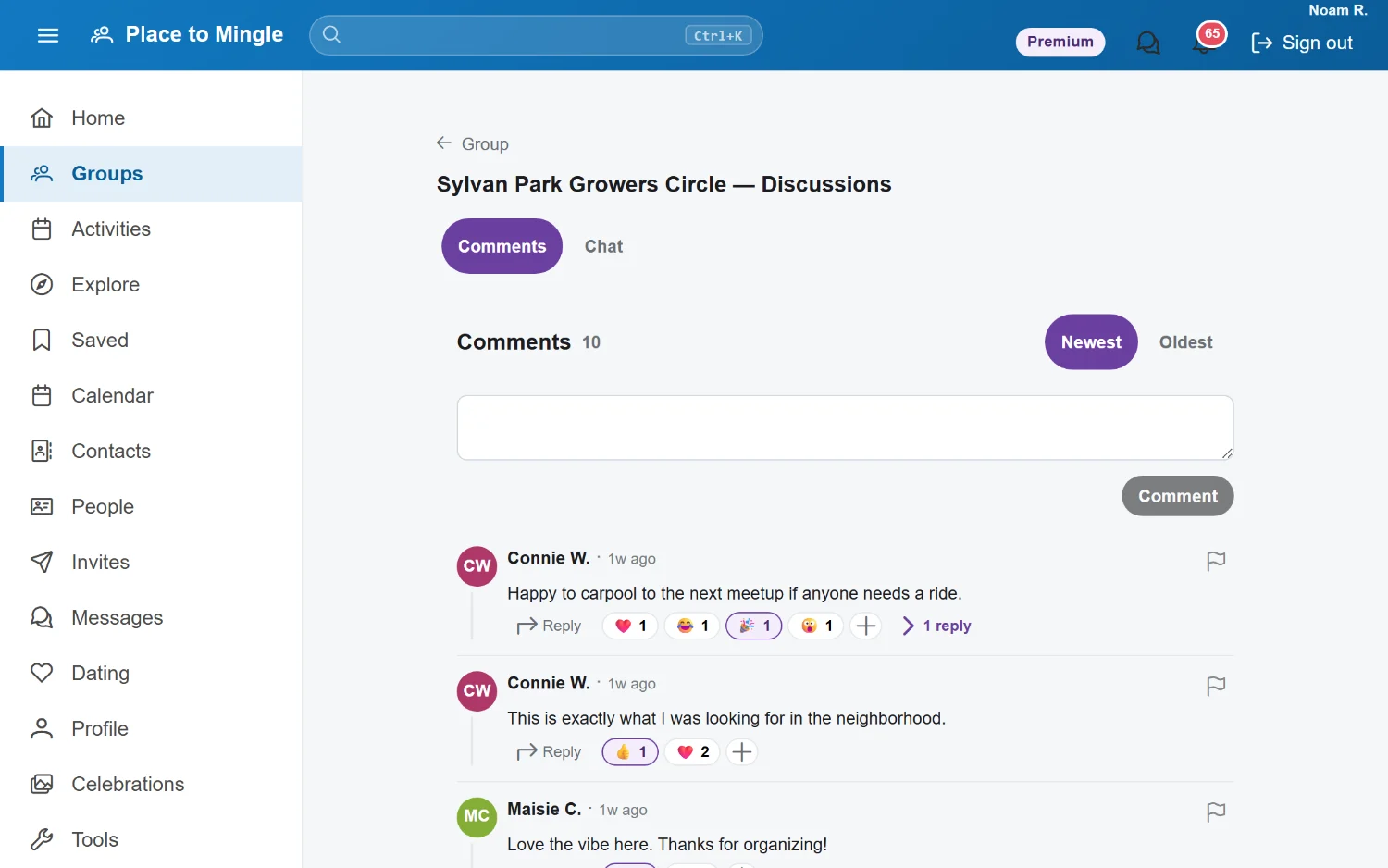
Photo verification confirms the person in the pictures is the person you're talking to. Verified members carry a badge everyone can see, and you can choose to see only verified people.
- Photo-verified badges
- An option to show only verified profiles
- Block and report from any profile
- You decide who can see and message you
Friends
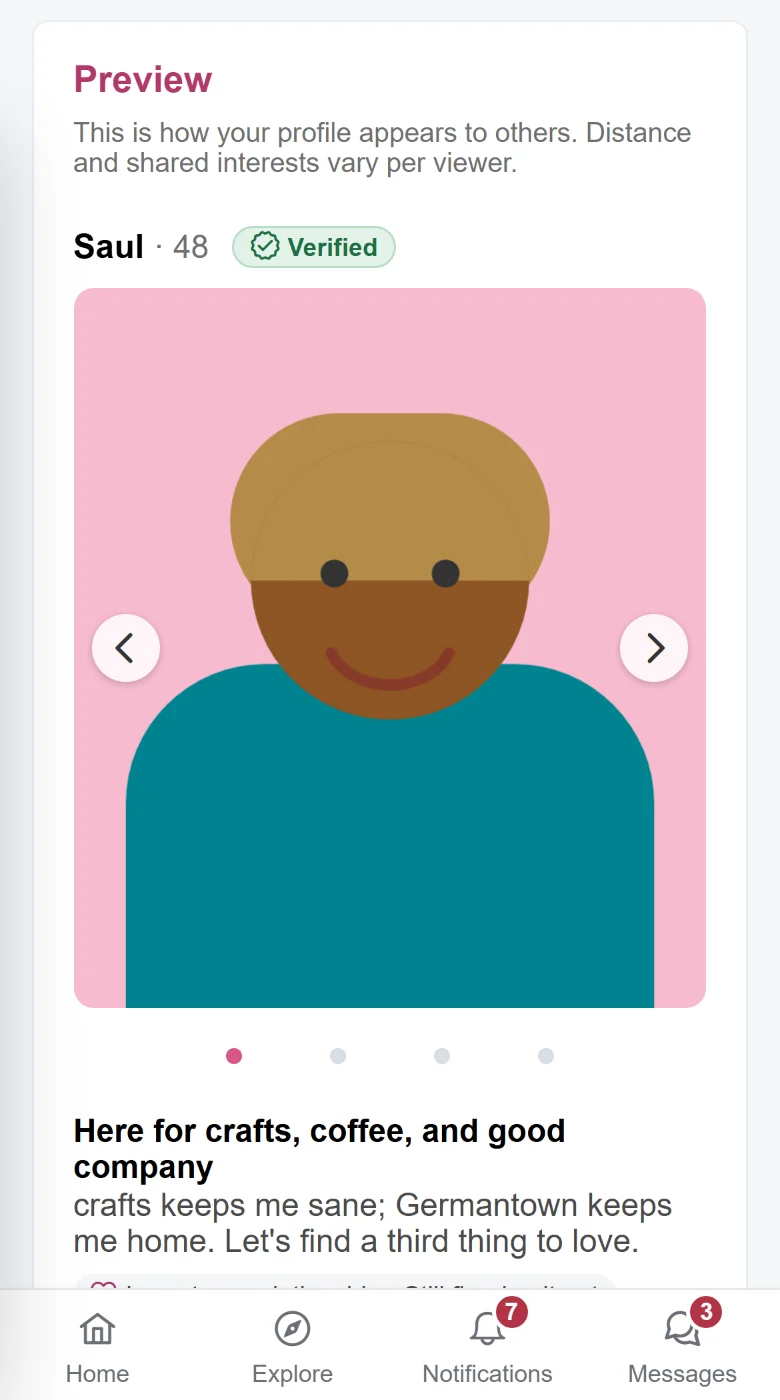
Grow your circle — on your terms
Add friends, follow organizers you like, and find the people you've met at events. When a request isn't right, decline politely, with a note of your own, or silently — they'll never know you saw it.
- Friends, followers, and people you've met, all in one place
- Suggestions from the groups and events you share
- Three ways to decline: polite, custom, or silent
Talk
Three ways to message
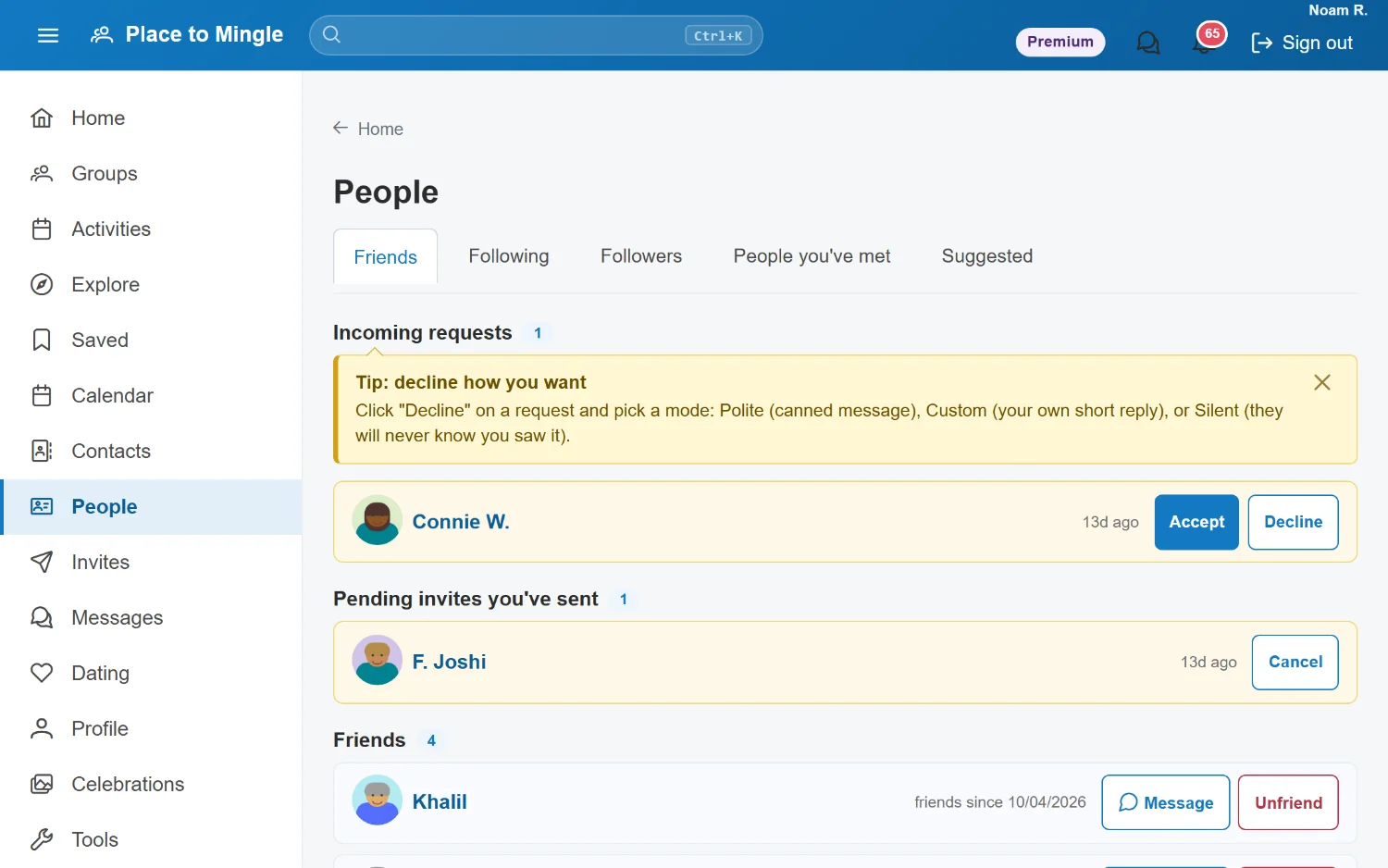
Different conversations need different tools. Place to Mingle gives you three — pick the right one for the moment.
Messaging
Chat, Encrypted chat, and Comments
Real-time chat for groups and events, end-to-end encrypted chat for private conversations, and forum-style comments for slower, threaded discussion. Switch a conversation to encrypted with one tap. Chat and comments come with every plan; encrypted chat comes with Plus, Premium and Organization.
- Chat — live, public group and event conversation
- Encrypted chat — private, end-to-end encrypted (E2EE), on paid plans
- Comments — threaded, forum-style discussion with reactions
Discussions
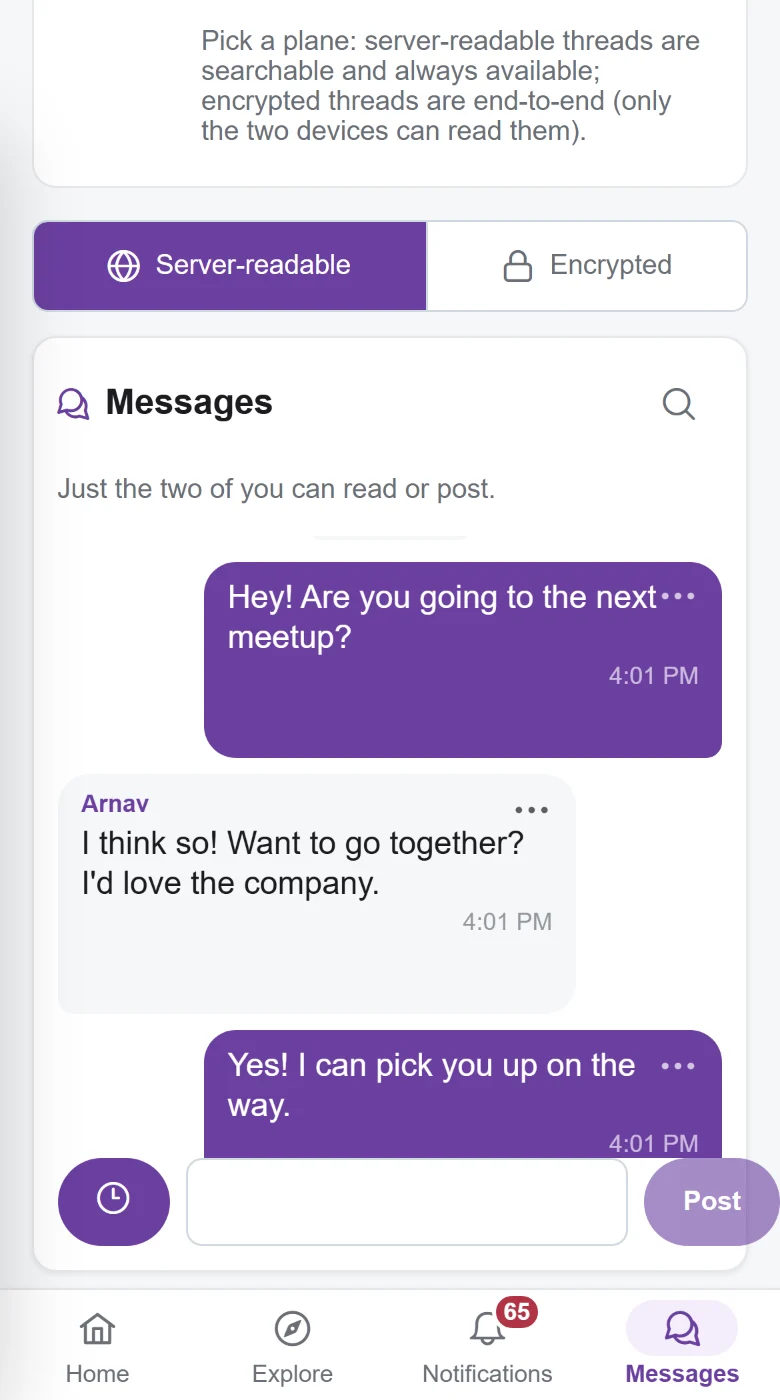
Conversations that keep going between events
Every group and event has its own discussion space: threaded comments with replies and emoji reactions for the slow conversations, live chat for the quick ones.
- Threaded replies and emoji reactions
- Newest-first or oldest-first, your choice
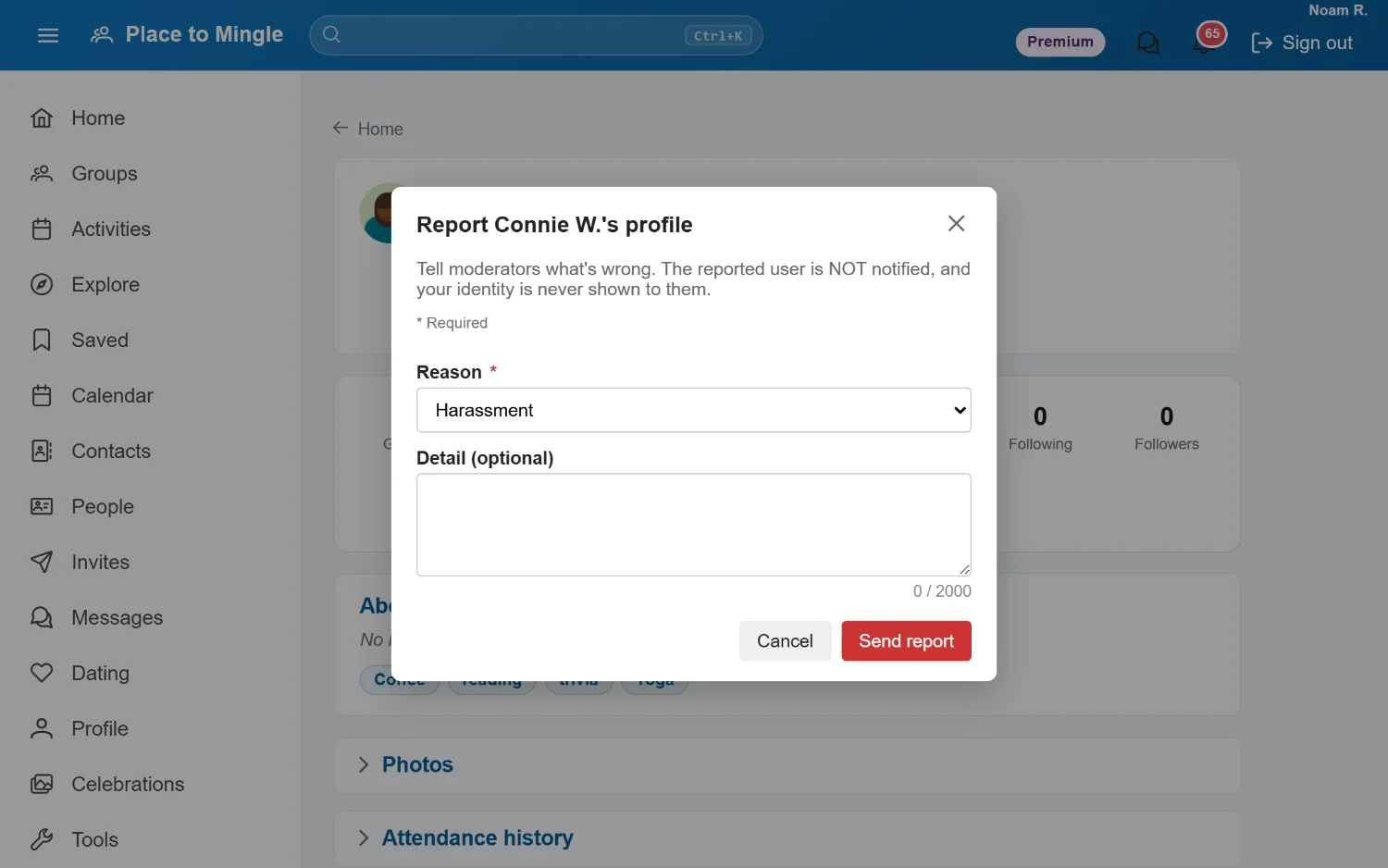
- Report anything that crosses a line
| Chat | Encrypted chat | Comments | |
|---|---|---|---|
| Best for | Live group & event talk | Private 1:1 & small groups | Slower, threaded discussion |
| Delivery | Real-time | Real-time | Post & reply, any time |
| Encryption | Standard | End-to-end (E2EE) | Standard |
| Reactions | Yes | Yes | Yes |
| Who can see it | Group / event members | Only the people in it | Group / event members |
| Plans | Every plan | Plus, Premium & Organization | Every plan |
Encrypted chat is end-to-end encrypted — messages are readable only on your devices and your recipient's, never on our servers. It comes with the Plus, Premium and Organization plans: compare plans.
Celebrate
Celebrations for life's big days
Weddings, showers, graduations, anniversaries — a private, invite-only home for the occasions that matter most.
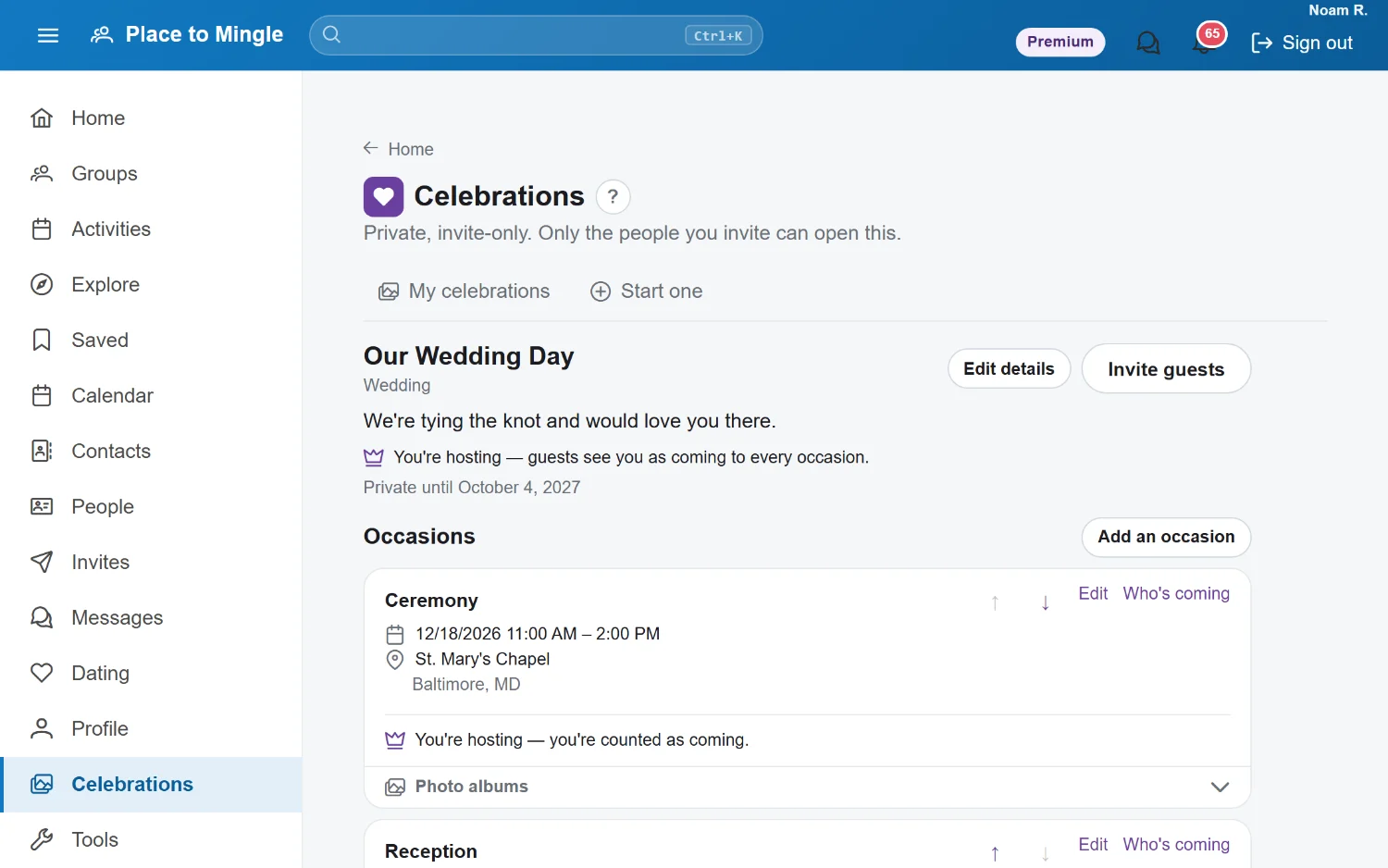
Celebrations
Plan it, invite them, remember it
Set up each occasion — ceremony, reception, after-party — with its own time and place. Invite your guests, collect RSVPs and meal choices, and gather everyone's photos into shared albums.
- Private and invite-only — only your guests can open it
- RSVPs and meal choices for each occasion
- Shared photo albums for every occasion
- Stays private until the date you choose
Organize
Calendar & contacts
A personal, private layer that keeps your plans and your people in order.
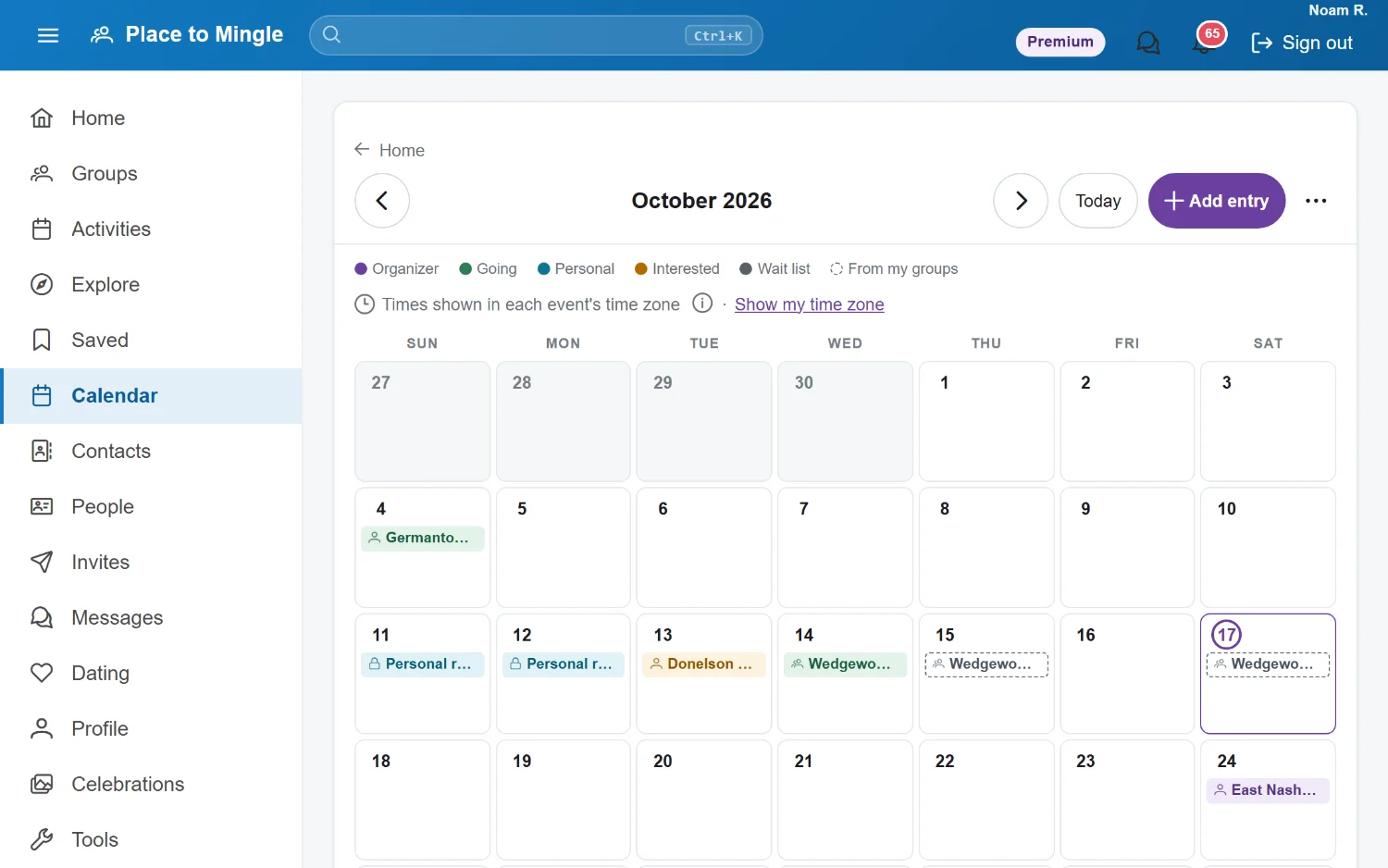
Your calendar
Every plan in one personal calendar
Events you host, go to, or are interested in land on your own calendar automatically, color-coded at a glance. Add personal entries with reminders, and subscribe from the calendar app you already use so it stays in sync.
- Color-coded: hosting, going, interested, wait list, and personal
- Subscribe from Google, Apple, or Outlook — it stays in sync
- Personal entries and reminders, private to you
Your contacts
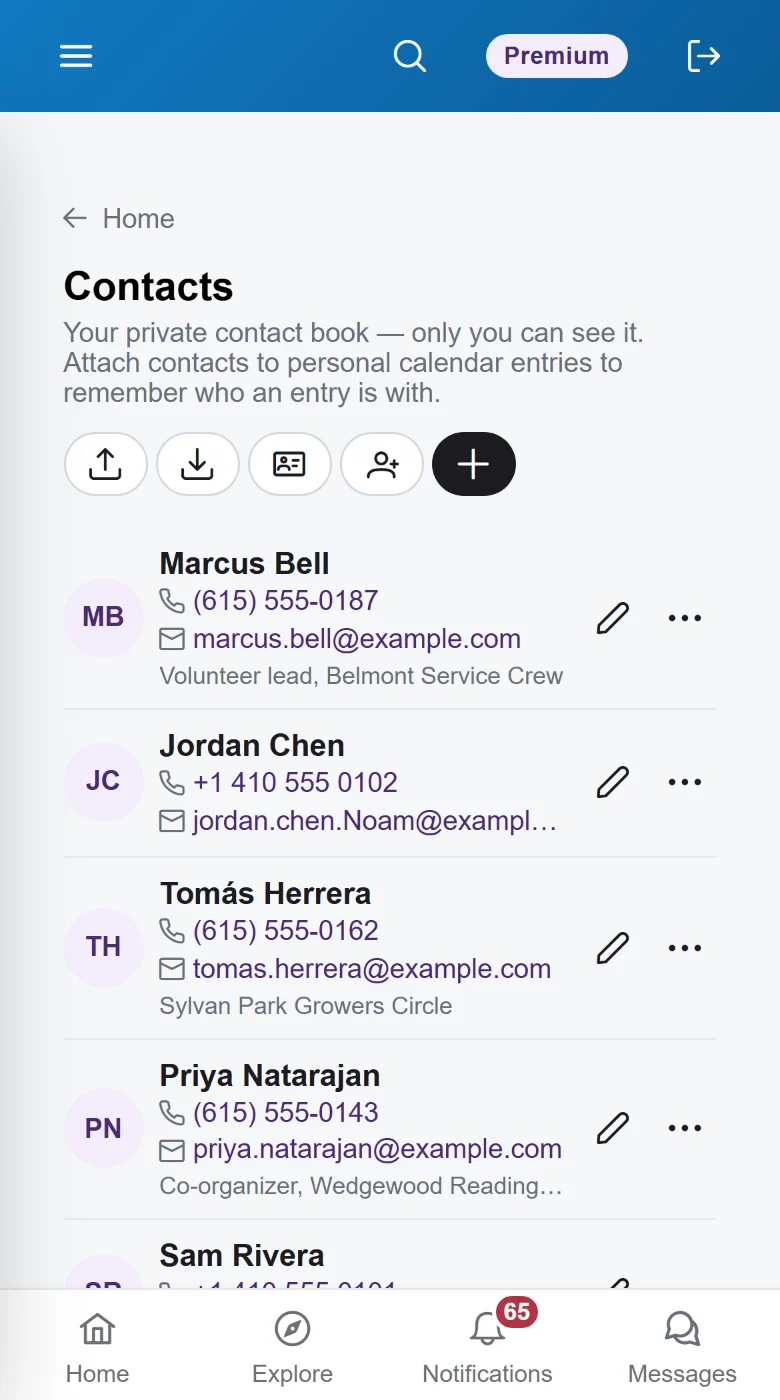
Keep the people you meet
A private contact book for the people you meet. Bring contacts in from your phone, share your own card with a QR code, and take everything with you whenever you like.
- Private to you — never shown to other members
- Import and export vCard (.vcf) files
- Share your card, or any contact, with a QR code
- Attach contacts to calendar entries to remember who you're meeting
Host
Free tools for the things you host
Stage timers, a teleprompter, and alarms — built for meetups, talks, and toasts.
Tools
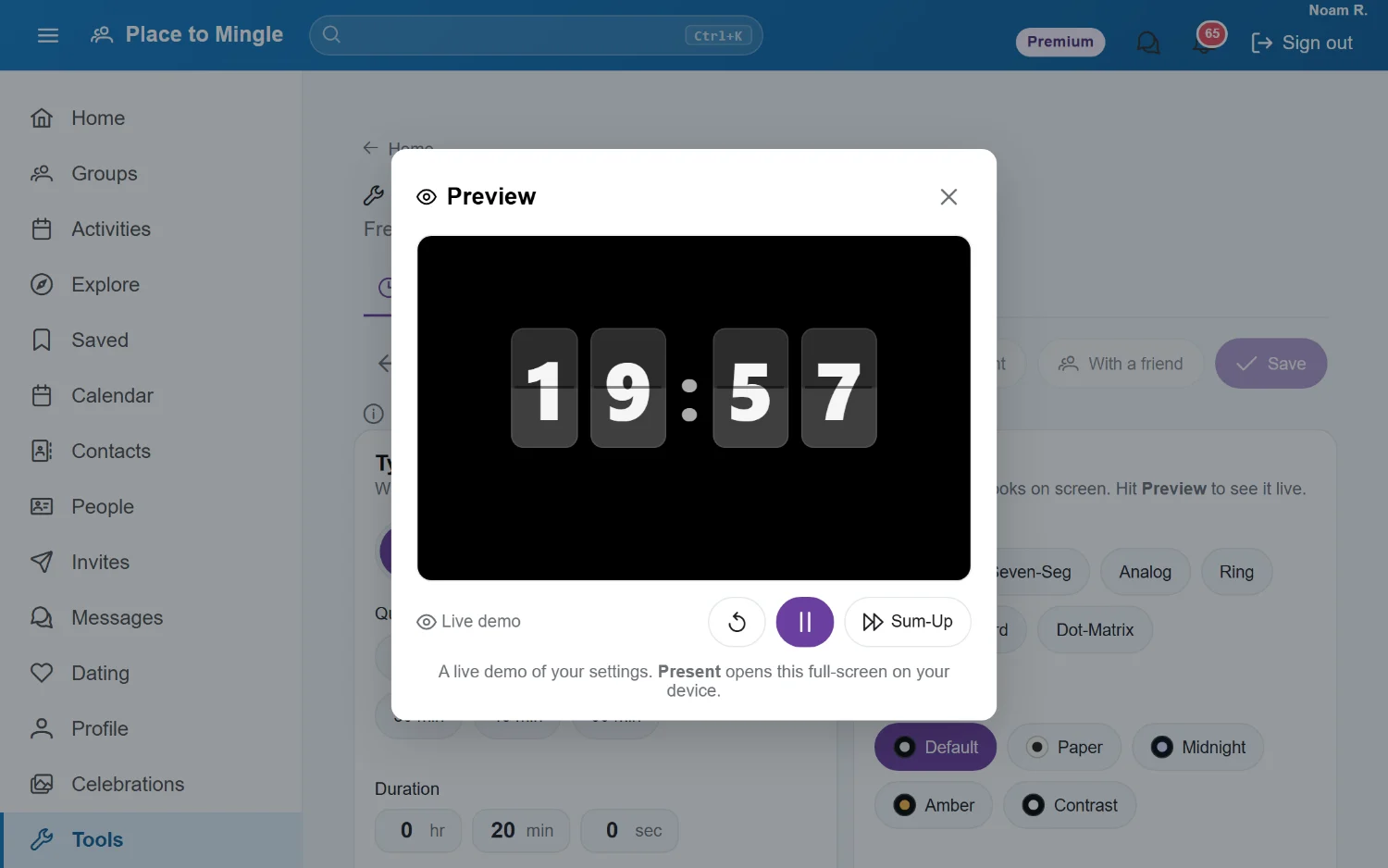
Stage timers and a teleprompter, on the house
Run a keynote countdown or a Toastmasters 5–7 on any screen. Prop up an old laptop as a teleprompter. Then let a friend run either one from their phone — from anywhere.
- Countdowns, stopwatches, and alarms in seven clock faces
- A friend can start, pause, or tweak it from their own phone
- Teleprompter with mirror mode for real prompter glass
- Readable skins and fonts, including OpenDyslexic
Stay safe
Safety & privacy, built in
Meeting new people should feel good. These controls are on from day one.
Your safety
Tools that put you in control
Verify your profile, block or report anyone, and on a paid plan use end-to-end encryption for private conversations. Reports are confidential: the person is never notified and never sees who reported them.
- Profile verification to confirm real people
- Block and report from anywhere it matters
- Confidential reports, reviewed by moderators
- End-to-end encryption for private chats (paid plans)
- Download your data whenever you like — it's yours
And more
The little things that add up
Small touches all over the app, so it fits the way you actually make plans.
Save for later
Save events, groups, and people with one tap and come back when you're ready.
Notifications your way
In the app, as a daily or weekly email digest, or instantly — with texts for the urgent things only.
Time zones, handled
Event times show in the event's own time zone, or switch to yours with one tap.
Invites & share links
Bring friends along to any event or group with an invite or a link.
Reviews, photos & Q&A
Ask the organizer before you go, then rate the event and share photos with everyone who came.
Organizations
Private groups and events for your club, school, or company, with its own member directory. See the Organization plan.
AI assistants & API
On paid plans, connect your AI assistant or build on the Place to Mingle API. Developer details.
Community forum
Get help, share ideas, and meet other members. Visit the forum.
Ready to meet your people?
Start on the Free plan — no card needed — and move to a paid tier when you need more. Or look around a live demo account first.
Must be 18+. By signing up, you agree to our Terms and Privacy Policy.